Checking your online bill is simple and takes only a few seconds. To view your latest electricity bill, you just need the 14-digit reference number or Customer ID mentioned on your previous bill.
If you are a consumer living in Central Punjab, checking your electricity bill online is now easier than ever. You can quickly view your FESCO online bill by entering your reference number or Customer ID. This simple guide will help you check your latest bill details, download a duplicate copy, and print it anytime without the need to visit any office.
How to Check FESCO Online Bill by Reference Number
Follow these steps to check your bill:
- Open your old electricity bill and find your reference details
- Enter your 14-digit reference number or Customer ID in the bill checking box
- Click on the Check Bill button
- Your latest duplicate bill will appear on the screen
- Check your billing amount, due date, meter information, and consumed units
What is Reference Number or Consumer ID
The Reference Number is usually printed on the top section of your electricity bill. Its exact position can vary depending on the electricity provider, but you can usually find it in these places:
- Top Section: Check the upper part of the bill, usually near the customer information.
- Customer Information Box: It is often listed along with the Consumer Name, Tariff, and Connection Details.
- Near Meter Information: Some bills show the Reference Number close to the Meter Number and other connection details.
- Under “Reference No.”: Look for labels such as Reference No., Reference Number, Consumer No., or Consumer ID.
- Previous Bill: If you have an old electricity bill, the same Reference Number is normally shown there as well.
- Online Bill: When checking a duplicate bill online, the Reference Number is also used to identify your electricity connection.
How to Download or Print Your FESCO Duplicate Bill?
If your original electricity bill is missing or you have not received the paper bill, you can get a duplicate copy online within a few moments. The online bill facility allows customers to access their latest bill details anytime without visiting any office.
With your reference number or Customer ID, you can easily:
- Check your latest bill details
- Download a duplicate bill copy
- Save or print the bill for payment and record purposes
Areas Covered by FESCO
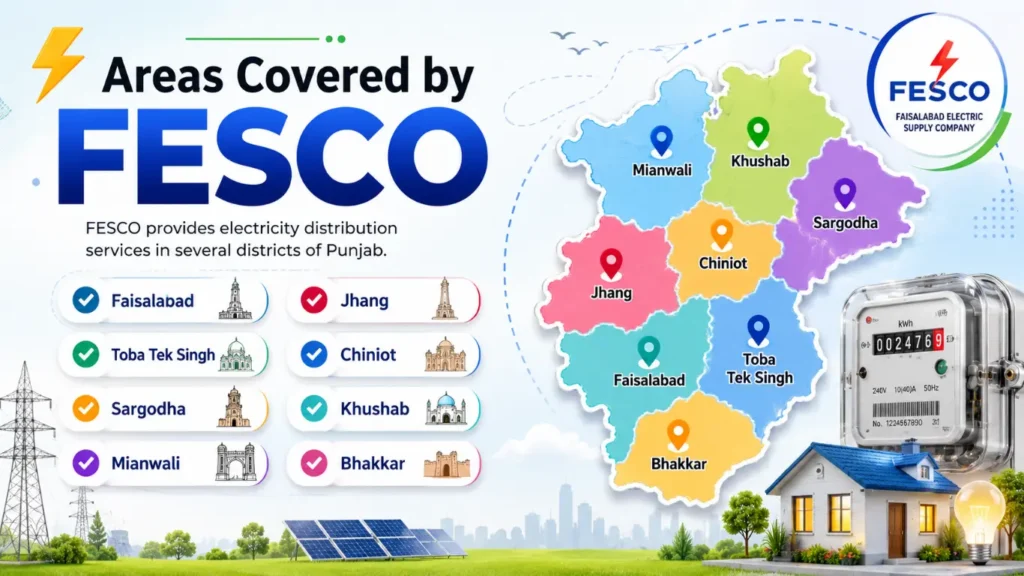
FESCO (Faisalabad Electric Supply Company) is responsible for supplying and managing electricity distribution services in different regions of Central Punjab. Customers from these areas can easily access their Online FESCO Bill through official digital services:
FESCO Company Overview and Services
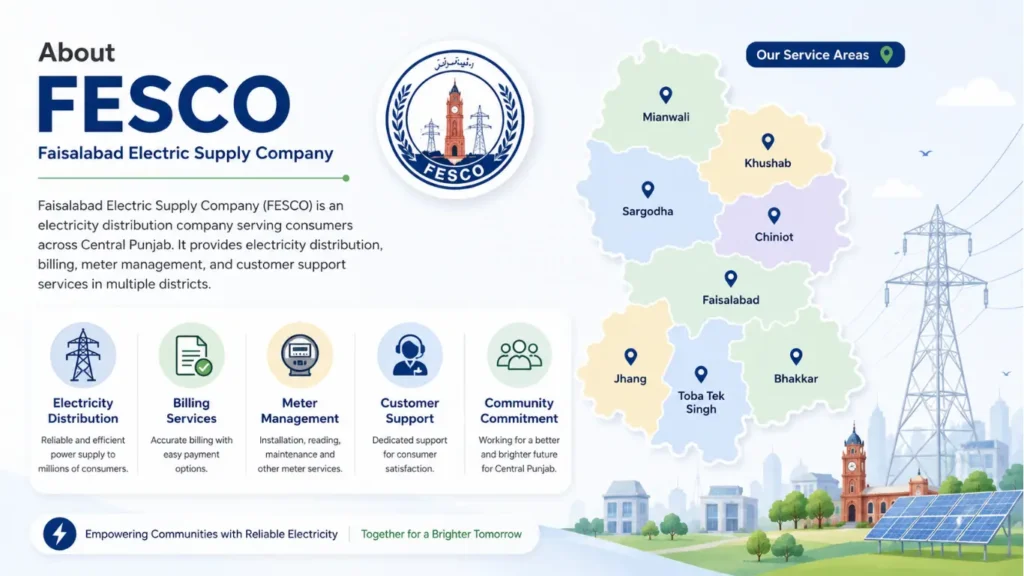
Faisalabad Electric Supply Company (FESCO) manages the power distribution network for several districts of Central Punjab. The company handles electricity supply, consumer billing, meter-related services, and customer assistance for areas such as Faisalabad, Sargodha, Jhang, Chiniot, Bhakkar, Khushab, Mianwali, and Toba Tek Singh.
Different Ways to Pay Your FESCO Bill
Paying your electricity bill on time is important to avoid late payments and unnecessary problems. For FESCO consumers, there are several easy and secure ways to pay a FESCO bill without standing in long lines. Today, users can choose digital payment methods, bank services, ATMs, and authorized payment centers according to their convenience.
Whether you like using mobile apps or prefer traditional payment options, bill payment has become much easier. Let’s explore the different methods available for paying your electricity bill.
Pay FESCO Bill Online Through Mobile Apps
Online payment is one of the fastest ways to clear your FESCO bill online. Many banking apps and digital wallet services allow customers to pay electricity bills from their mobile phones anytime.
To pay your bill through an app, simply open your mobile banking or wallet application, select the electricity bill payment option, choose FESCO, enter your 14-digit reference number, and confirm the payment.
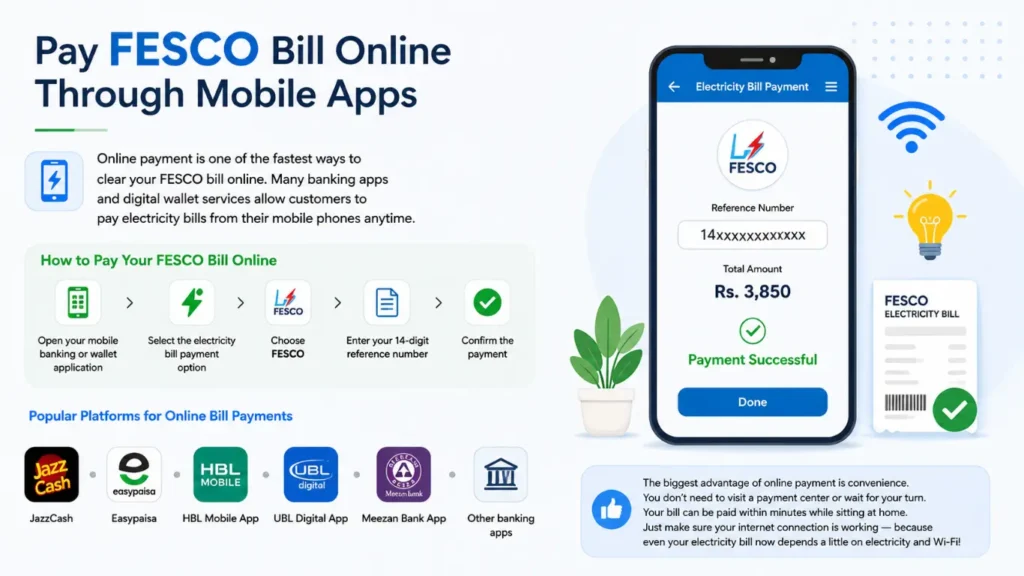
Popular platforms used for online bill payments include:
- JazzCash
- Easypaisa
- HBL Mobile App
- UBL Digital App
- Meezan Bank App
- Other banking applications that support utility bill payments
The biggest advantage of online payment is convenience. You don’t need to visit a payment center or wait for your turn. Your bill can be paid within minutes while sitting at home. Just make sure your internet connection is working because even your electricity bill now depends a little on electricity and Wi-Fi
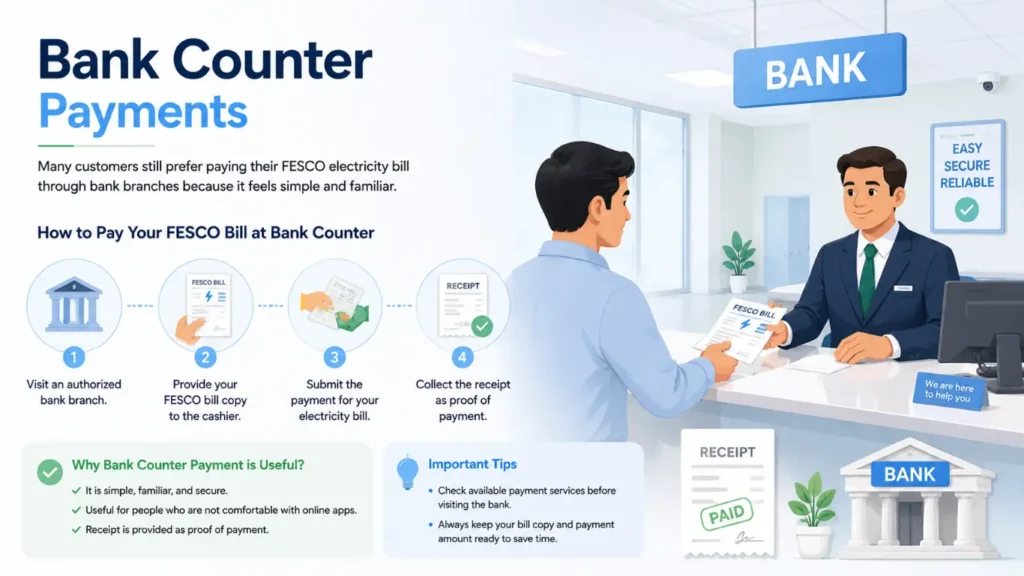
Bank Counter Payments
Many customers still prefer paying their FESCO electricity bill through bank branches because it feels simple and familiar. You can visit an authorized bank branch, provide your bill copy, and submit the payment at the counter.
Bank counter payment is useful for people who are not comfortable with online apps or digital transactions. After successful payment, the bank provides a receipt as proof of payment.
Before visiting a bank, it is better to check the available payment services because not every branch may process every utility bill. Always keep your bill copy and payment amount ready to save time.
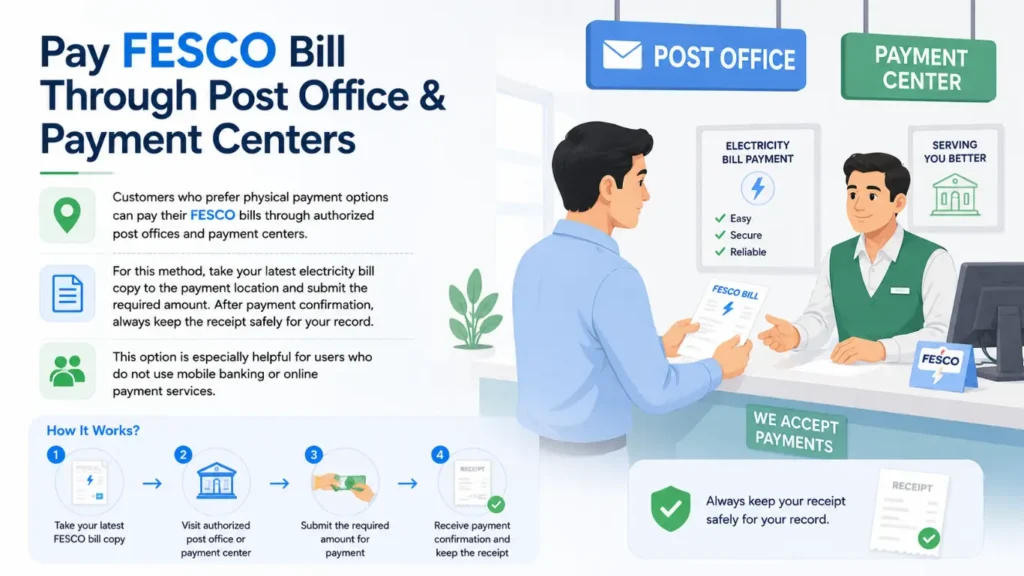
Pay FESCO Bill Through Post Office & Payment Centers
Customers who prefer physical payment options can pay their FESCO bills through authorized post offices and payment centers. For this method, take your latest electricity bill copy to the payment location and submit the required amount. After payment confirmation, always keep the receipt safely for your records.
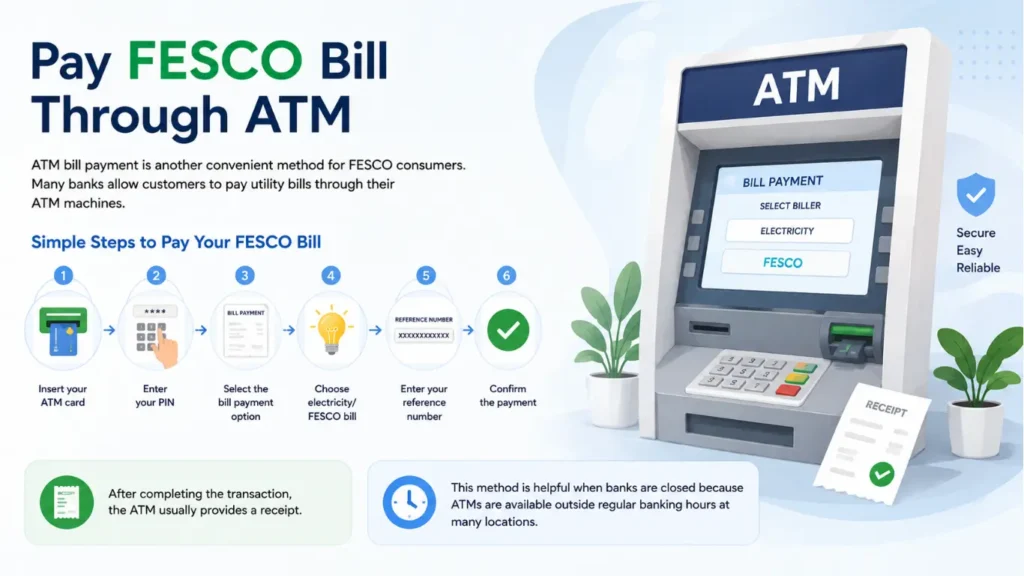
ATM-Based Bill Payment
ATM bill payment is another convenient method for FESCO consumers. Many banks allow customers to pay utility bills through their ATM machines.
- Insert your ATM card
- Enter your PIN
- Select the bill payment option
- Choose electricity/FESCO bill
- Enter your reference number
- Confirm the payment
After completing the transaction, the ATM usually provides a receipt. This method is helpful when banks are closed because ATMs are available outside regular banking hours at many locations.
Frequently Asked Questions (FAQs)
How can I check my FESCO bill online?
You can check your bill online by entering your 14-digit reference number or Customer ID on the official bill checking portal. After entering the required details, your latest bill will appear on the screen.
What is the FESCO bill check reference number?
The reference number is a 14-digit number printed on your previous electricity bill. It is used to identify your connection and check your latest bill details online.
Can I check FESCO bill without a reference number?
No, you usually need your reference number or Customer ID to check your online bill. These details are available on any previous electricity bill.
How can I download my FESCO duplicate bill?
After checking your bill online, you can download the duplicate bill copy in PDF format and save it for payment or record purposes.
How can I check FESCO bill by CNIC?
Currently, bill checking mainly requires a reference number or Customer ID. CNIC-based bill checking is not generally available for public online bill access.
Can I check FESCO bill by meter number?
No, the standard online bill checking method requires a reference number or Customer ID instead of a meter number.
How can I check bill payment status?
You can confirm your payment status through available banking apps, payment services, or by checking the updated bill details after payment processing.
What should I do if my FESCO Duplicate bill is not showing online?
If your bill is not appearing, check that you entered the correct reference number. You can also try again later because the system may be updating new billing records.
Can I check FESCO bill on mobile?
Yes, you can check your FESCO online bill using a mobile browser by visiting a trusted bill checking service and entering your bill details.
What details are available on FESCO online bill?
A FESCO online bill usually shows payable amount, due date, meter reading, units consumed, billing month, and other connection details.
Is FESCO online bill checking free?
Yes, checking your FESCO bill online is free and does not require any additional charges.
Where can I find the official FESCO website?
You can visit the official FESCO website for company information and customer services:
https://fesco.com.pk/